








How to Install the Taylor Pleated Header Track
Official Taylor walkthrough for length adjustment, brackets, carriers, and track mounting.
Installation Guides / Taylor Track
Official Cozyology Support
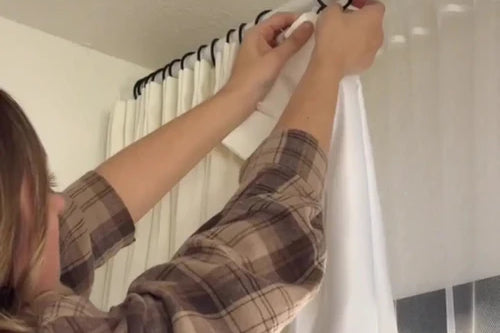
Adjust and install the Taylor pleated-header track for wall or ceiling mounting, including split-panel crossover carriers.

Official videos
Select the video that matches your product, mounting method, and control type.
Official Taylor walkthrough for length adjustment, brackets, carriers, and track mounting.
Before you start
Use the larger bracket on the fixed track and the smaller bracket on the adjustable section.
Insert the mount plates with the raised points facing down before attaching the brackets.
For split draw, orient both crossover carriers the same way and reinstall half of the runners.
Installation resources
Use the official PDF alongside the videos for parts, bracket placement, and detailed installation diagrams.
Need installation help?
Include a photo of the product, mounting surface, and supplied hardware so the care team can identify the correct setup.
Email care team